
×

 Enterprise Emulation vs Experimental Emulation
If you believe that enterprise emulation and experimental emulation are the same, you are mistaken. Enterprise emulation is a viable technique that will keep mission-critical legacy systems in production on modern hardware. And it offers commercial support, SLAs, and tested performance. Experimental emulation is designed to be flexible. It’s mostly for experimentation purposes and supports many architectures and is great for development, testing, and hobbyist projects. But it lacks formal assurances or a history of successful migrations. You need enterprise emulation if your business relies on legacy software to do extremely niche tasks.
 Article

Now that you have a brief idea of how these emulators differ, let’s understand the differences in detail.
Why a tool was built tells you a lot about where it will work well and where it might not.
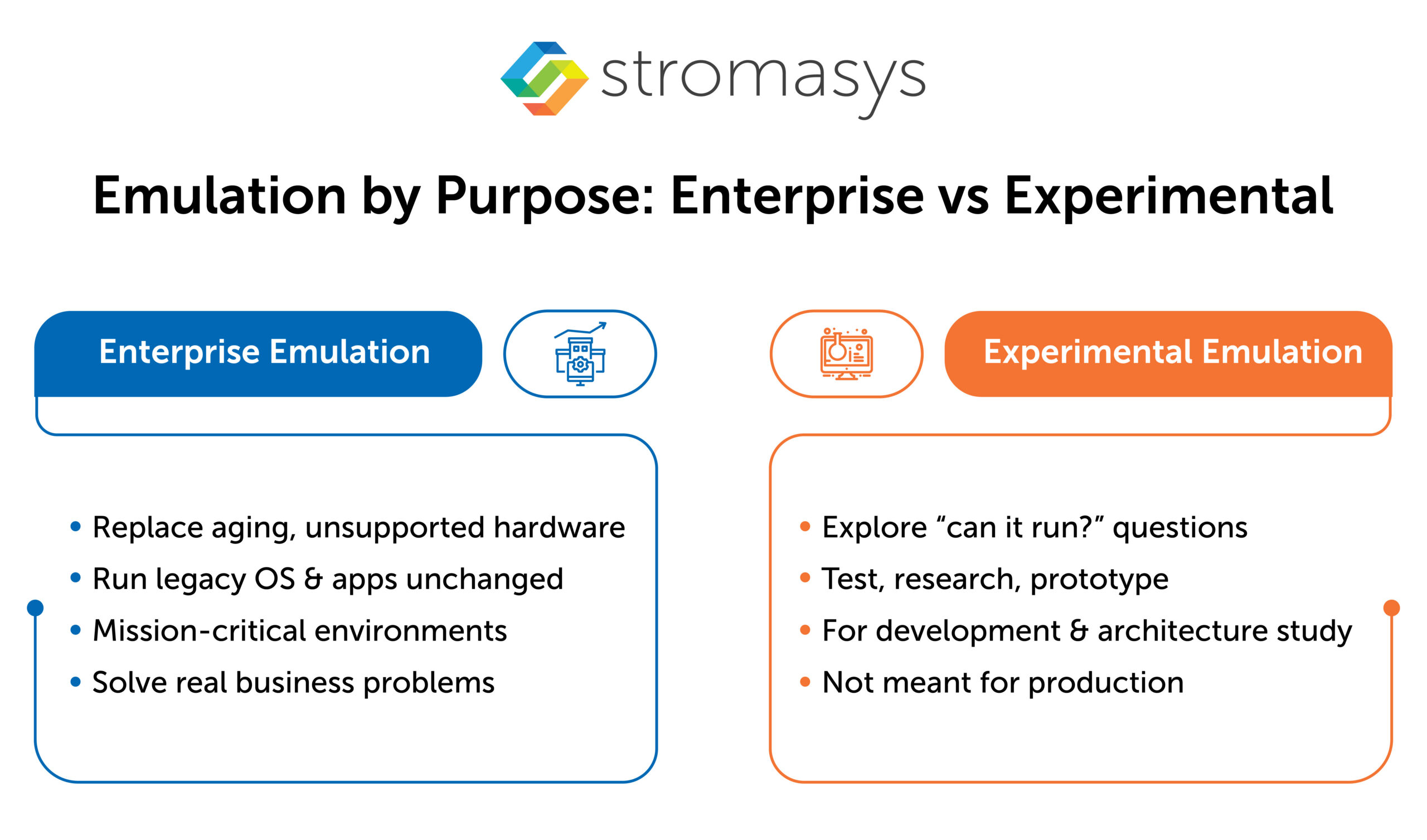
Enterprise emulation is built with aim: replace aging, unsupported hardware so existing operating systems and applications run unchanged. The design goal is to create a compatible replica. The OS sees the same CPU, the same memory model, the same storage and network devices. Nothing in the software stack needs to change.
For example, a popular enterprise emulator is Stromasys Charon. It emulates a range of legacy hardware such as SPARC, HP 9000, HP 3000, VAX, Alpha and PDP on modern x86 or cloud. This way, legacy operating systems (Solaris, HP-UX, MPE, OpenVMS, and Tru64) and software dependent on them can run without any code modifications. The emulator is specially engineered for mission-critical environments. Each product upgrade from Stromasys is intended to solve a specific business problem.
Experimental emulation is different in intent. It’s usually built by enthusiasts or researchers to answer a question: can we make this run? The goal is exploration. That’s valuable for development, architecture research, and testing. But open-source emulators are not designed to be a formally supported production platform, and they don’t try to be.
For business applications, reliable infrastructure is of utmost importance.
Enterprise emulators comes with a commercial vendor behind it. That means paid licenses, defined SLAs, and formal test and certification regimes. The platform is explicitly marketed for business continuity and hardware risk removal. There’s a support team you can count on when something goes wrong during a busy day.
Experimental emulation relies on community effort, hobbyist maintenance, or internal teams. The tools are often described as interesting and flexible. They’re rarely described as reliable enough for critical production workloads. When a problem surfaces, the path to resolution is a forum post or a GitHub issue, not a support contract.
Precision is where the gap between enterprise and experimental emulation becomes concrete.
Enterprise emulation targets a narrow set of platforms. It aims to behave like an exact replica of the original server, including CPU behavior, memory model, storage interfaces, and network devices. The OS and all layered products see an environment that is effectively identical to the original hardware. That level of precision is what allows applications to run without modification.
Experimental emulation tends to cover many architectures more broadly. Correctness is good enough for most software. But it’s not always cycle-accurate, device-complete, or validated against formal certification suites. For development or testing purposes, that’s acceptable. For a production environment where application behavior depends on hardware precision, it’s a real exposure.
Where the emulated system lives matters as much as how well it runs. Legacy systems don’t exist in isolation. They connect to modern infrastructure, cloud environments, monitoring tools, backup systems, and compliance frameworks.
Enterprise emulation solutions are packaged to drop into standard hypervisors and public clouds. AWS, Azure, Oracle, and Google Cloud are all supported with reference architectures, prebuilt images, and licensing infrastructure.
The operator is responsible for high availability, backup, monitoring, and cloud integration when using experimental emulation. There is no set path. That’s fine if you can handle the work and control the stack in a research environment. But that’s not fine when a system has to fit into an enterprise architecture with audit requirements and runs billing, compliance, or production processes.
Most decisions about emulation come down to one question: what happens if this fails?
Use an experimental emulator when you want:
Choose an enterprise emulator when you have:
It can vary depending on the service provider. The most experienced company in this industry is Stromasys, and its enterprise emulator (Charon) supports SPARC (Solaris), VAX & Alpha (OpenVMS and Tru64), PA-RISC (HP-UX and MPE/ix) and PDP-11.


The IT landscape is rapidly evolving, and businesses still running legacy hardware are facing numerous...
Read More
DEC Alpha hardware has been pivotal to many businesses due to its reliability, performance, and...
Read More
Legacy application migration is a new trending buzz of IT discussion. Businesses are migrating from...
Read More