
×

 Emulation: The Risk-Free Alternative to Full Migration
Legacy hardware is failing. The applications that run on it still function, and rewriting them costs a lot of money, involves huge risks, and can take years. In contrast, supporting the end-of-life hardware means finding parts that are no longer made and hoping nothing breaks. Emulation takes your existing OS and applications, unchanged, and moves them to a modern environment without any modifications. It’s a lot less risky than any other exit path, provided you choose the right emulator.
 Article

But what you don’t see is that maintenance costs go up every year. The group of engineers who know how to use these platforms is almost done working.
For businesses that don’t mind downtime, this might be okay for a short time. For anyone who has to run workloads that are critical to production, this is a slow-burning crisis.
Software migration is often presented as the modern solution. In reality, it is a high-risk, multi-year, multi-million dollar proposition.
Also, legacy applications do certain tasks that are very important to your business. They have been running for 20 years or more and are based on millions of lines of code, thousands of workflow processes, and hundreds of changes made over the years. No one really understands everything anymore.
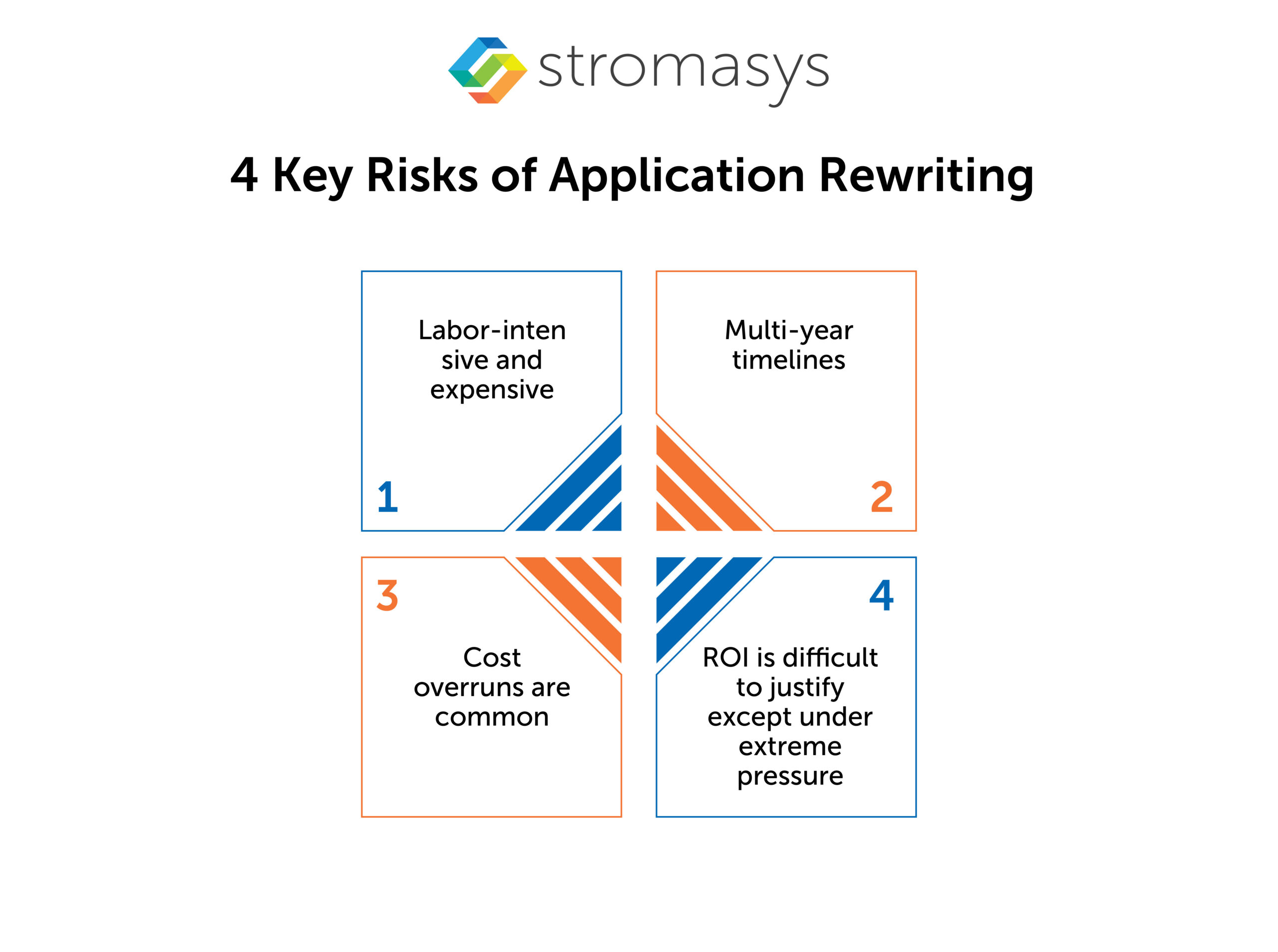
Making changes to them causes problems not just for a short time, but for a long time as well. In fact, there is also no guarantee that the new application will work the same way after migration. There is a risk involved with moving data. All staff members need to be retrained.
Ultimately, rewriting means taking something that has been tested for decades and replacing it with something new that hasn’t been tested at all. This is why full migration projects often stop or are left unfinished.
Emulation takes a different approach. Instead of changing the software, it changes what the software runs on.
A virtual replica of the original hardware is created on modern x86 infrastructure or in the cloud. The OS sees the same CPU architecture, the same memory model, the same storage and network devices. The applications run exactly as they always have. Nothing in the software stack is touched.
Implementation is quicker. It takes a couple of days or weeks. There are no new software licenses to purchase beyond the emulation platform itself. No retraining. No behavioral regression to test for. Your trusted business processes stay untouched.
The source of most migration risk is change. Every layer of the stack you touch is a potential failure point. Emulation removes change from the equation almost entirely.
The emulated environment reproduces the original hardware with enough accuracy that the OS behaves exactly as it did on physical servers. There are no behavioral surprises. No unexpected kernel responses. No subtle timing differences that surface as bugs six months after go-live.
Because the OS is unchanged, the applications running on it are unchanged too. There is no regression testing required. No validation cycle to prove the new environment works. It works because nothing is different from the application’s perspective.
There is no data migration involved. The existing data structures, formats, and storage configurations carry over intact. The risk of data loss or corruption that accompanies any migration project simply does not exist.
The interface is the same. The workflows are the same. The commands are the same. End users often do not know that anything has changed. This eliminates the change management burden that makes migration projects so disruptive.
Auditors See the Same Software Environment
For organizations with compliance obligations, the software environment that auditors have previously reviewed remains intact. The audit trail is continuous. There is no gap where a new system needs to be re-validated from scratch.
Rochester Electronics is the world’s largest continuous source of semiconductors, authorized by over 70 leading semiconductor manufacturers. Legacy intellectual property is central to their business. Their procedures and workflows depend on it.
They were running design IP written and compiled in 1996 on a Sun SPARC architecture. The hardware was obsolete and no longer supported by the manufacturer. Every day it ran, the risk of an unrecoverable failure increased. The IP tied to that system was at risk of being permanently lost.
Full migration was a popular choice. But that meant changing applications and data that had been stable for nearly 30 years. The risk of introducing errors into IP that customers depended on was not acceptable.
Rochester chose emulation, specifically, Charon-SSP by Stromasys.
The transition started by imaging the storage from the legacy system and restoring it to the emulated environment. The original operating system, Solaris 2.5.1, was kept intact, including all kernel options and settings. No translation of commands or data was necessary. No software rework was performed.
The result? legacy design IP compiled in 1996 continued running, unchanged, on modern infrastructure. The hardware dependency was gone. The IP was preserved. The risk of loss was eliminated.
They also noted an improved user experience through access to modern open-source tooling in the emulated environment without any changes to the core application. That is the additional upside emulation delivers: a better operating environment around software that still works exactly as designed.
This is what emulation looks like in practice. A hardware problem was solved at the hardware level, leaving the software entirely untouched.
No. The emulated environment copies the original hardware closely enough that programs work the same way. You don’t need to recompile, reconfigure, or change the code.


The IT landscape is rapidly evolving, and businesses still running legacy hardware are facing numerous...
Read More
DEC Alpha hardware has been pivotal to many businesses due to its reliability, performance, and...
Read More
Legacy application migration is a new trending buzz of IT discussion. Businesses are migrating from...
Read More